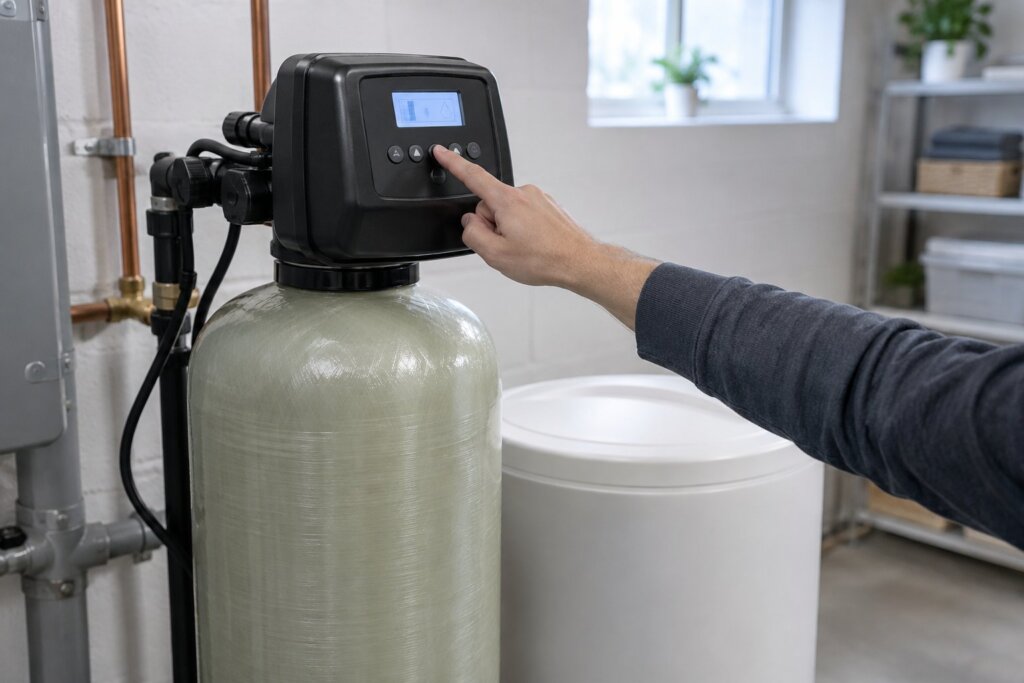
How to reset a water softener depends on what went wrong: after a power cut you usually only reset the clock, after running out of salt you refill and start a manual regeneration, and after an error code you unplug the unit, fix the cause and plug it back in. None of the three owner’s manuals we read, from Morton, A.O. Smith and Hellenbrand, gives owners a full factory reset, because the settings are kept in memory and rarely need one.
Below are the five resets those manuals do describe, with the button steps for each, and a short checklist for when the softener seems to have stopped working.
How to reset a water softener: which reset do you need?
You can, but “reset” means five different things on a modern digital softener. Pick the one that matches what happened:
| What happened | Reset to do | Typical time |
|---|---|---|
| Power cut, clock flashing | Set the time of day | 1 minute |
| Ran out of salt or soft water | Refill, then a manual regeneration | 2 hours wait, then about 2 hours |
| Error code on the display | Unplug, fix, plug in | 8 minutes to confirm on Morton units |
| Valve lost its position after service | Resync the electronics | 3 seconds |
| Display completely dark | Test and replace the board battery | About 15 minutes |
The A.O. Smith manual says the maker “has preset the water treatment unit’s sequence of cycles, cycle times, salt dose, exchange capacity and salt dose refill time.” Those are not settings you need to reset. The ones you set yourself are the clock, the hardness, the regeneration time and, on some units, the salt level.
How do I reset my water softener after a power outage?
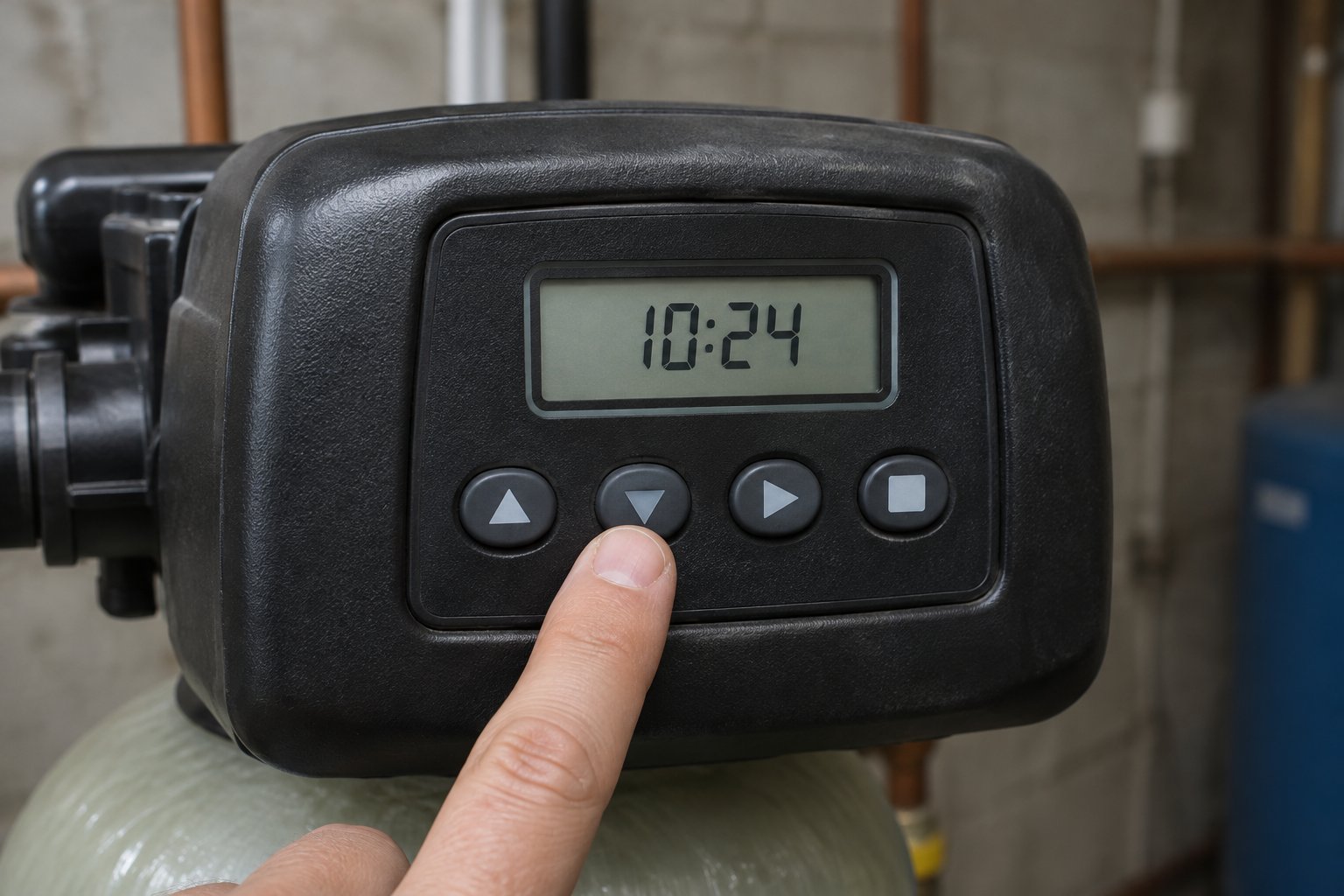
Usually you only set the clock, and only if it is flashing. Morton’s manual for its M20, M27, M30, M34 and MC30 softeners explains that during a power cut the display goes blank, but “the electronic controller keeps correct time for several hours.” When power returns, “you must reset the present time only if the display is flashing. All other settings are maintained and never require resetting unless a change is desired.”
The other two makers work the same way. A.O. Smith says the time of day “should only need to be set after extended power outages or when daylight saving time begins or ends or after the battery has been replaced.” The Hellenbrand manual says its board battery keeps the clock for up to 2 years, and if it runs down, “only time of day needs to be reset, all other values are stored in non-volatile memory.”
To set the clock on an A.O. Smith valve:
- Press CLOCK.
- Set the hour with the + and − buttons, checking AM or PM, then press NEXT.
- Set the minutes, then press NEXT.
- Set the day of the week, then press NEXT to exit.
Morton and Hellenbrand use the same idea with their own buttons: SELECT and the arrow buttons on Morton, the clock button and the arrows on Hellenbrand. Why it matters: Morton warns that with a wrong clock the softener still makes soft water, but “regenerations may occur at the wrong time of day.” That is how a 2:00 a.m. regeneration ends up running during your morning shower. If the power went out mid-cycle, Morton says the softener “will now finish the cycle,” so water running to the drain right after the power comes back is normal.
Do I need to reset my water softener if it runs out of salt?
No settings need resetting, but the resin needs a fresh regeneration. Morton’s manual says that if the softener uses up all the salt before you refill it, “you will experience hard water.” Here is the order we would follow, based on the manuals:
- Refill the salt. Morton says to check the salt every two or three weeks until you have a routine, and to “always add if less than 1/4 full.”
- Wait for brine to form. Hellenbrand: “If the salt tank does not contain salt, fill with salt and wait at least two hours before regenerating.”
- Start a manual regeneration (next section), so the resin is recharged now instead of at the next scheduled time.
- Reset the salt level if your model asks for it. Morton’s M34 has a low salt light, and the manual says “you must set salt level each time salt is added.”
If the tank has salt but the water is still hard, the salt may have formed a crust above the water. Our guide to the water softener salt level shows how to check for a salt bridge and how much water belongs in the tank.
How do I manually start my water softener regeneration?
Press and hold the regeneration button. A short press usually schedules one for tonight instead. The three manuals put it this way:
| Brand | Regenerate now | Regenerate tonight |
|---|---|---|
| Morton (M20 to M34) | Hold RECHARGE until “RECHARGE NOW” flashes | Press and release RECHARGE (“RECHARGE TONIGHT”); press again to cancel |
| A.O. Smith | Press REGEN once, then hold it for 3 seconds | Press and release REGEN (“REGEN TODAY”) |
| Hellenbrand | Hold REGEN for 5 seconds | Press and release REGEN (“REGEN TODAY”); press again to cancel |
Two warnings from the manuals. Hellenbrand says an immediate regeneration “cannot be cancelled. You must cycle all the way through the cycles to make it stop,” and that it resets the meter. Morton says a regeneration takes about 2 hours and to avoid using hot water during it, “because the water heater will refill with bypass hard water.” The first step after the fill is the backwash; our guide to the water softener backwash explains what you will hear.
What we would buy for this job
- Duracell 2032 lithium coin battery, 3V, 2 count: the 3 volt lithium 2032 coin cell the A.O. Smith and Hellenbrand manuals call for on the control board. Unplug the valve before you swap it.
As an Amazon Associate, Complete Water Guide earns from qualifying purchases. Prices change, so check the listing.
How do you clear an error code on a water softener?
Write the code down first, then follow your maker’s steps. Morton’s procedure for removing an error code is:
- Unplug the power supply from the outlet.
- Correct the problem.
- Plug the power supply back in.
- Wait 8 minutes. “The error code will return if the problem was not corrected.”
While a code is showing on a Morton unit, every button except SELECT stops working, so a frozen display is expected. On A.O. Smith valves, the word ERROR flashes with your dealer’s name and number, and the manual says to “record the ERROR number and contact your servicing dealer promptly.” Unplugging can clear a code for a while, but a code that keeps coming back means a part needs attention.
How do you resync the control valve?
This is the closest thing to a reboot. Hellenbrand says that after any service on the drive or pistons, you “press and hold NEXT and REGEN buttons for 3 seconds or unplug power source jack from the printed circuit board (black wire) and plug back in. This resets the electronics and establishes the service piston position.” The display flashes every word, shows the software version, and moves the valve back to service.
A.O. Smith gives the same NEXT and REGEN 3 second press, or disconnecting power from the board for 5 seconds, as a fix for some motor errors, “to resynchronize software with piston position.” If the valve still will not move, the cause is mechanical, and the manual points you to the dealer.
What if the display is completely dark?
Check the outlet first. A.O. Smith lists a tripped breaker or GFI outlet and a power outage as causes of a board with no display, and a depleted board battery as another. Its battery test:
- Remove the valve cover and disconnect power from the board at the four pin connector.
- Wait five minutes, then remove the battery with something non-metallic.
- Wait five more minutes, then reconnect power with the battery out. If the display comes on, the board is fine and the battery was the problem.
- Unplug the transformer and fit a new 3 volt lithium 2032 coin cell. A.O. Smith says to do this “with the valve unplugged to avoid causing a short and potentially ruining the board.”
- Set the time of day and start a regeneration.
If the display stays dark with power connected, A.O. Smith says to call the installing dealer.
Why did my water softener stop working?
Before you reset anything, check the simple causes the manuals list for hard water coming through:
- The bypass valve is in bypass. Both A.O. Smith and Hellenbrand list an open bypass first.
- No salt, or a salt bridge. See the salt section above.
- No power. A tripped breaker, a GFI outlet or an unplugged transformer.
- The clock is wrong, so it regenerates at the wrong time.
- The hardness setting is too low for your water, so it waits too long between regenerations. Our guide on how often a water softener should regenerate explains how that number works.
If none of those fit, our guide to a water softener not working covers parts failures and typical repair costs. Salty water after a reset is its own problem, covered in our guide to water softener water that tastes salty.
Frequently asked questions
Can you reset a water softener?
Yes. Depending on the problem, you reset the clock, run a manual regeneration, clear an error code by unplugging, resync the valve, or replace the board battery. The Morton, A.O. Smith and Hellenbrand manuals we read give owners no full factory reset, because settings are stored in memory.
How do I reset my water softener after a power outage?
Set the time of day if the display is flashing. Morton says all other settings are kept, and a softener that was regenerating when the power went out will finish the cycle when it comes back.
Do I need to reset my water softener if it runs out of salt?
Refill it, wait at least two hours for brine to form as Hellenbrand advises, then start a manual regeneration. Some models, such as Morton’s M34, also ask you to set the salt level each time you add salt.
How do I manually start my water softener regeneration?
Hold the regeneration button: RECHARGE on Morton until “RECHARGE NOW” flashes, REGEN for 5 seconds on Hellenbrand, or press REGEN once and then hold it for 3 seconds on A.O. Smith. A short press usually schedules one for tonight.
Is there a reset button on a water softener?
Not usually one labeled reset. The regeneration button starts a recharge, and on A.O. Smith and Hellenbrand valves, holding NEXT and REGEN together for 3 seconds resets the electronics and the piston position.
Why does my water softener show an error code after a reset?
The fault has not been fixed. Morton says the code returns within 8 minutes of plugging back in if the problem was not corrected. Write down the code and call the dealer or the maker’s service line.
Sources
- Morton, Water Softener Installation and Operation Manual, models M20, M27, M30, M34 and MC30: power outage memory, recharge now and tonight, avoid hot water during regeneration, salt refill guidance, set salt level (M34), error code procedure, buttons locked during an error.
- A.O. Smith, Metered Water Softeners Installation Instructions and Owner’s Manual: factory preset values, setting the clock, double regeneration, power loss and battery test, ERROR display, resync with NEXT and REGEN, troubleshooting for no display and hard water.
- Hellenbrand, consumer installation and owner’s manual 800540: 2 year battery clock backup, non-volatile memory, immediate regeneration cannot be cancelled and resets the meter, wait two hours after adding salt, resetting the electronics after service.